Designing for Farmers: The Kisan Sampurna Journey
Kisan Sampurna was designed with one mission to make technology simple, intuitive, and empowering for farmers. From clean UI and regional language support to thoughtful UX choices like bottom navigation and image-based options, this blog shares how farmer-first design can truly make a difference.
Work
Aug 12, 2025
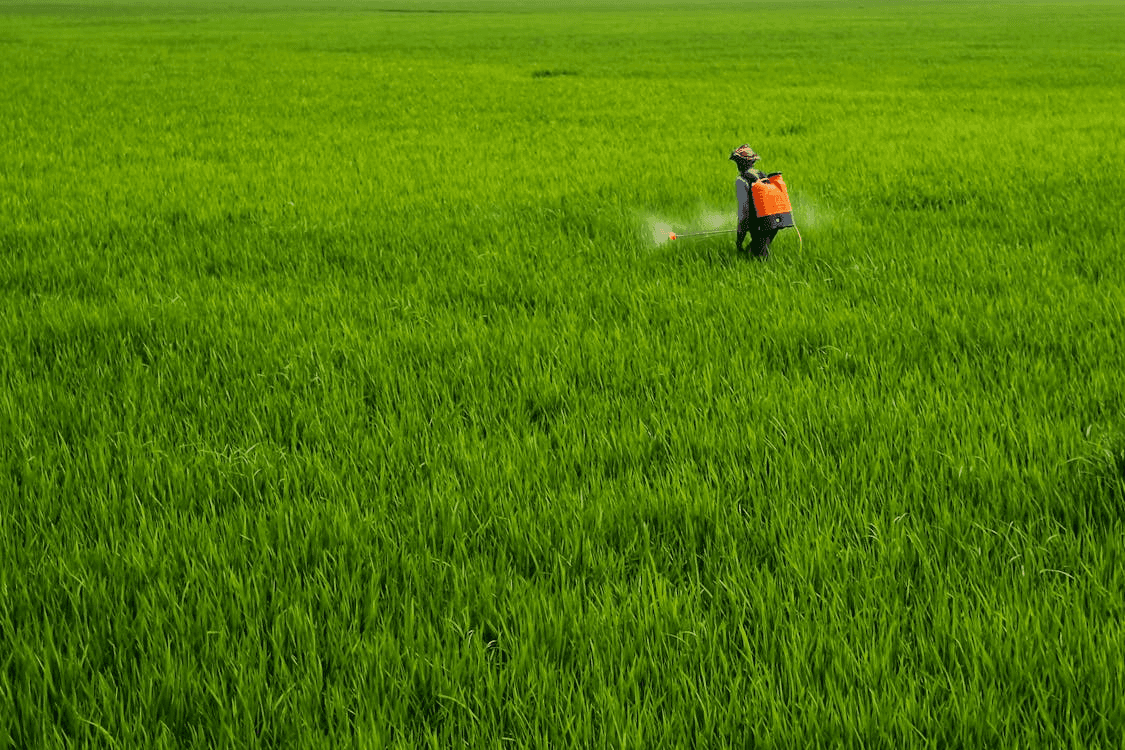
Designing Kisan Sampurna: Building an App Farmers Deserve
Prototype: Link (Working)
When you design for farmers, you don’t design for screens. You design for lives, habits, and hands that are always busy with the soil.
That thought was the starting point of Kisan Sampurna a farmer-focused mobile app I researched, designed, and developed with a single goal: make technology simple enough to empower every farmer.
“The best technology is invisible, it feels like second nature.”
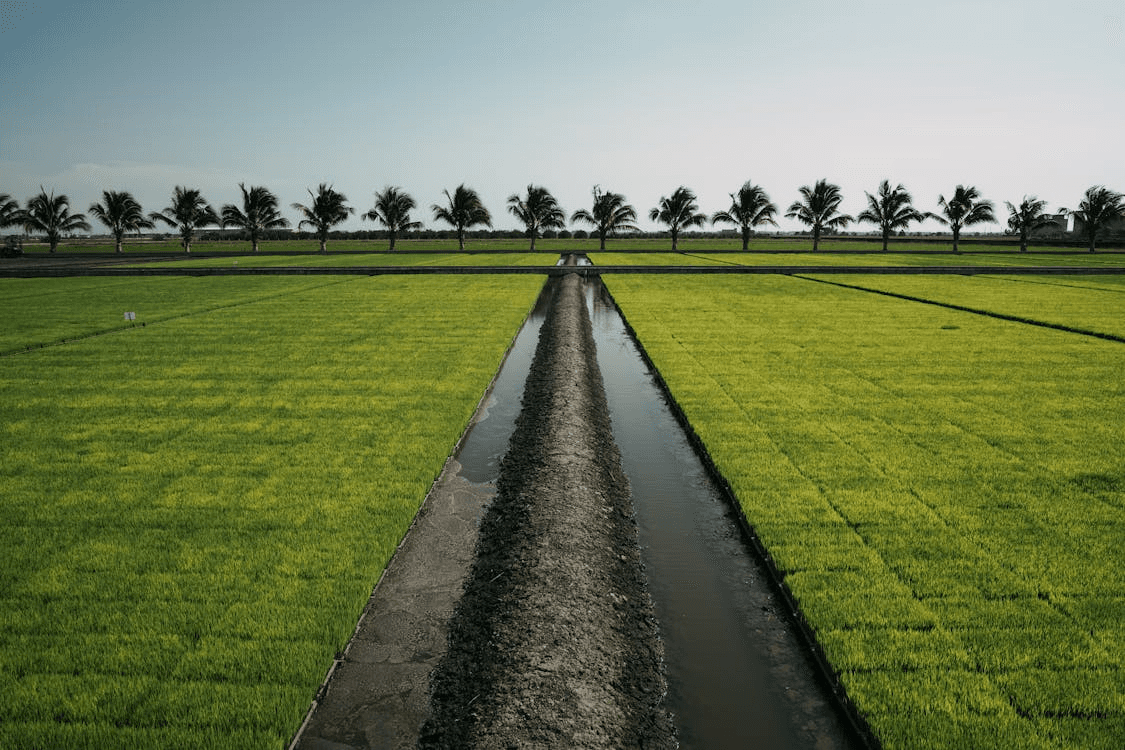
The Rule-based Flow: Designed with Thought
One of the core features of the app is a question-answer process, where farmers respond to 12 simple questions about their land, soil, and crops. These responses unlock personalized advice and crop suggestions.
But here’s where design mattered most:
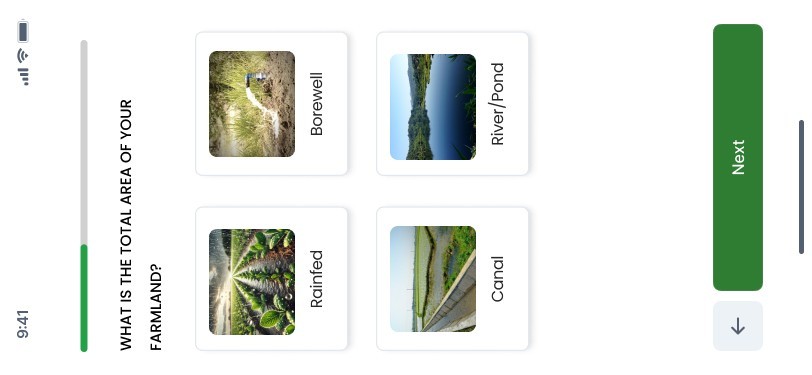
Back button at the bottom: Instead of hiding “Back” at the top, I placed it right next to the “Next” button at the bottom. Why? Because farmers are already tapping there. No need to search around the screen.
Large, thumb-friendly buttons: Options like Rainfed, Borewell, Canal, River/Pond are shown as big photo cards, easy to recognize and tap.
Progress bar: A simple green line on top shows how far they’ve come because confidence comes from knowing you’re making progress.
These are small tweaks, but they make the experience natural, quick, and frustration-free.
Clean UI, Adaptable UX
Most apps are designed with urban users in mind. But farmers don’t have the luxury of time to “figure out” complicated layouts. The Kisan Sampurna UI was designed to be clean, distraction-free, and instantly understandable.
Colors: A natural green theme (#2E7D32) paired with soft neutrals, ensuring readability even under sunlight in the fields.
Text hierarchy: Bold black for headings, soft grey for descriptions, and placeholders that don’t overwhelm.
Icons & images: Visual cues like crop photos or irrigation images replace jargon, making navigation easier even for first-time users.
The result? A UI that doesn’t just look modern: it feels like it belongs to farmers.
Why It Matters
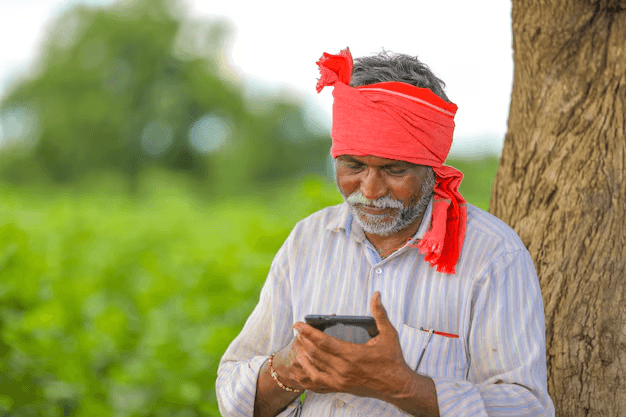
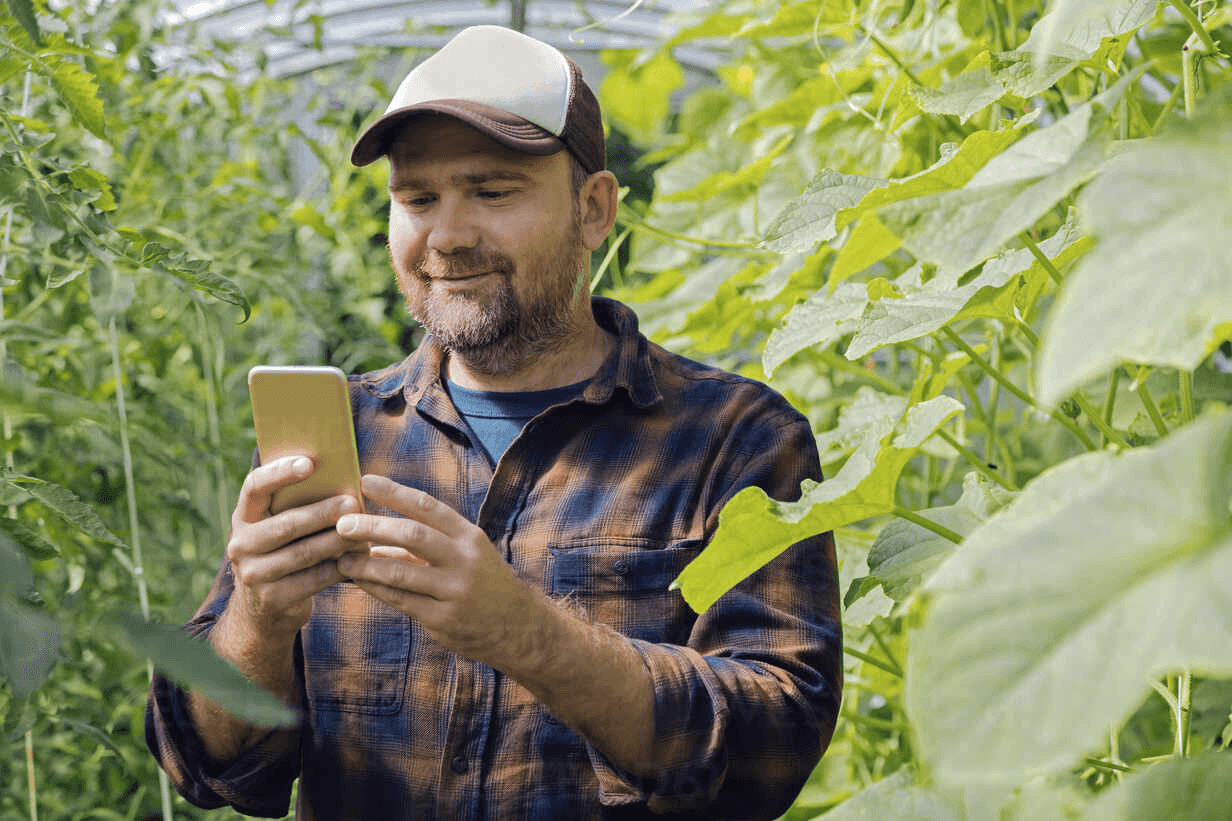
Designing for farmers isn’t just about aesthetics. It’s about dignity. A farmer should never feel left out because an app is “too smart” for them. KS was created to bridge that gap modern agri-tech, delivered in the simplest, most human way.
Regional Language & Voice Support
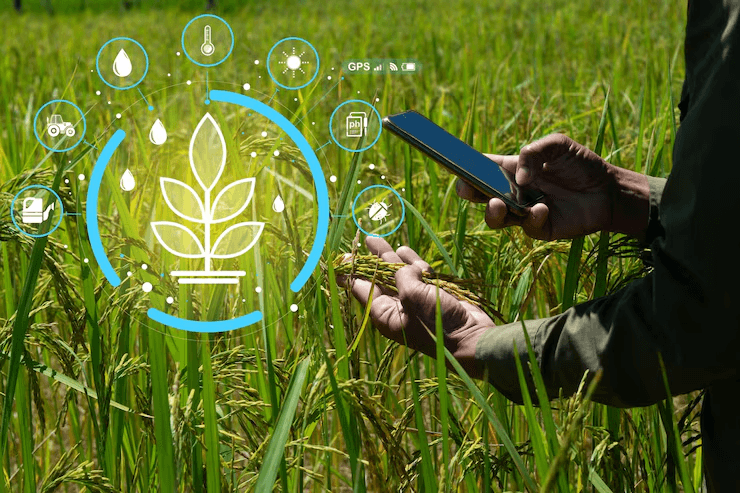
Not every farmer is comfortable reading English and that’s okay. KS was built to be adaptable in regional languages, with an option for voice-based support. Whether it’s Kannada, Hindi, or any local dialect, the app speaks the farmer’s language.
Technology should never be a barrier. It should feel like home.
More to Discover


Designing for Farmers: The Kisan Sampurna Journey
Kisan Sampurna was designed with one mission to make technology simple, intuitive, and empowering for farmers. From clean UI and regional language support to thoughtful UX choices like bottom navigation and image-based options, this blog shares how farmer-first design can truly make a difference.
Work
Aug 12, 2025
Designing Kisan Sampurna: Building an App Farmers Deserve
Prototype: Link (Working)
When you design for farmers, you don’t design for screens. You design for lives, habits, and hands that are always busy with the soil.
That thought was the starting point of Kisan Sampurna a farmer-focused mobile app I researched, designed, and developed with a single goal: make technology simple enough to empower every farmer.
“The best technology is invisible, it feels like second nature.”
The Rule-based Flow: Designed with Thought
One of the core features of the app is a question-answer process, where farmers respond to 12 simple questions about their land, soil, and crops. These responses unlock personalized advice and crop suggestions.
But here’s where design mattered most:
Back button at the bottom: Instead of hiding “Back” at the top, I placed it right next to the “Next” button at the bottom. Why? Because farmers are already tapping there. No need to search around the screen.
Large, thumb-friendly buttons: Options like Rainfed, Borewell, Canal, River/Pond are shown as big photo cards, easy to recognize and tap.
Progress bar: A simple green line on top shows how far they’ve come because confidence comes from knowing you’re making progress.
These are small tweaks, but they make the experience natural, quick, and frustration-free.
Clean UI, Adaptable UX
Most apps are designed with urban users in mind. But farmers don’t have the luxury of time to “figure out” complicated layouts. The Kisan Sampurna UI was designed to be clean, distraction-free, and instantly understandable.
Colors: A natural green theme (#2E7D32) paired with soft neutrals, ensuring readability even under sunlight in the fields.
Text hierarchy: Bold black for headings, soft grey for descriptions, and placeholders that don’t overwhelm.
Icons & images: Visual cues like crop photos or irrigation images replace jargon, making navigation easier even for first-time users.
The result? A UI that doesn’t just look modern: it feels like it belongs to farmers.
Why It Matters
Designing for farmers isn’t just about aesthetics. It’s about dignity. A farmer should never feel left out because an app is “too smart” for them. KS was created to bridge that gap modern agri-tech, delivered in the simplest, most human way.
Regional Language & Voice Support
Not every farmer is comfortable reading English and that’s okay. KS was built to be adaptable in regional languages, with an option for voice-based support. Whether it’s Kannada, Hindi, or any local dialect, the app speaks the farmer’s language.
Technology should never be a barrier. It should feel like home.
More to Discover
Designing for Farmers: The Kisan Sampurna Journey
Kisan Sampurna was designed with one mission to make technology simple, intuitive, and empowering for farmers. From clean UI and regional language support to thoughtful UX choices like bottom navigation and image-based options, this blog shares how farmer-first design can truly make a difference.
Work
Aug 12, 2025
Designing Kisan Sampurna: Building an App Farmers Deserve
Prototype: Link (Working)
When you design for farmers, you don’t design for screens. You design for lives, habits, and hands that are always busy with the soil.
That thought was the starting point of Kisan Sampurna a farmer-focused mobile app I researched, designed, and developed with a single goal: make technology simple enough to empower every farmer.
“The best technology is invisible, it feels like second nature.”
The Rule-based Flow: Designed with Thought
One of the core features of the app is a question-answer process, where farmers respond to 12 simple questions about their land, soil, and crops. These responses unlock personalized advice and crop suggestions.
But here’s where design mattered most:
Back button at the bottom: Instead of hiding “Back” at the top, I placed it right next to the “Next” button at the bottom. Why? Because farmers are already tapping there. No need to search around the screen.
Large, thumb-friendly buttons: Options like Rainfed, Borewell, Canal, River/Pond are shown as big photo cards, easy to recognize and tap.
Progress bar: A simple green line on top shows how far they’ve come because confidence comes from knowing you’re making progress.
These are small tweaks, but they make the experience natural, quick, and frustration-free.
Clean UI, Adaptable UX
Most apps are designed with urban users in mind. But farmers don’t have the luxury of time to “figure out” complicated layouts. The Kisan Sampurna UI was designed to be clean, distraction-free, and instantly understandable.
Colors: A natural green theme (#2E7D32) paired with soft neutrals, ensuring readability even under sunlight in the fields.
Text hierarchy: Bold black for headings, soft grey for descriptions, and placeholders that don’t overwhelm.
Icons & images: Visual cues like crop photos or irrigation images replace jargon, making navigation easier even for first-time users.
The result? A UI that doesn’t just look modern: it feels like it belongs to farmers.
Why It Matters
Designing for farmers isn’t just about aesthetics. It’s about dignity. A farmer should never feel left out because an app is “too smart” for them. KS was created to bridge that gap modern agri-tech, delivered in the simplest, most human way.
Regional Language & Voice Support
Not every farmer is comfortable reading English and that’s okay. KS was built to be adaptable in regional languages, with an option for voice-based support. Whether it’s Kannada, Hindi, or any local dialect, the app speaks the farmer’s language.
Technology should never be a barrier. It should feel like home.