Software Engineer
AI Virtual Mouse Using Hand Gestures
Created a hand gesture-based virtual mouse using OpenCV and Mediapipe for real-time control and interaction.
Year :
2024
Project Type:
Hackathon Project
Industry :
Accessibility / Computer Vision
Project Duration :
1 month
AI Virtual Mouse
Repo: https://github.com/shivarajhiremath8/AI-virtual-mouse
Blog: https://shivarajhiremath.framer.website/blogs
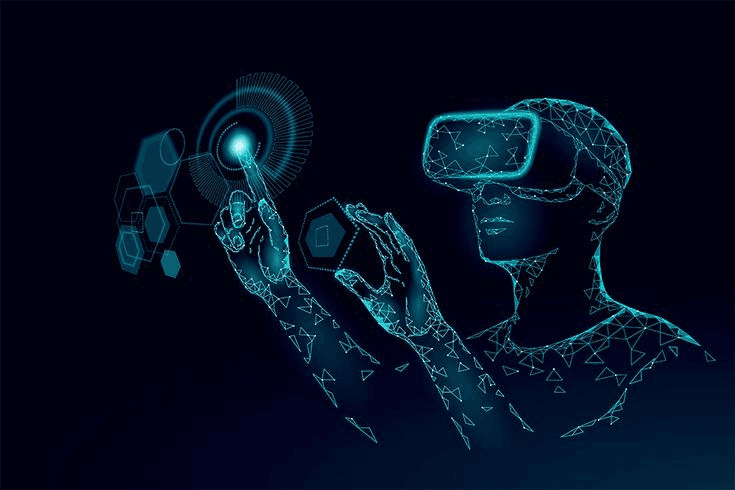
Welcome to the AI Virtual Mouse project! This Python application lets you control your computer mouse using hand gestures captured by your webcam. No touching required – just wave your hand and control your cursor!
What is This?
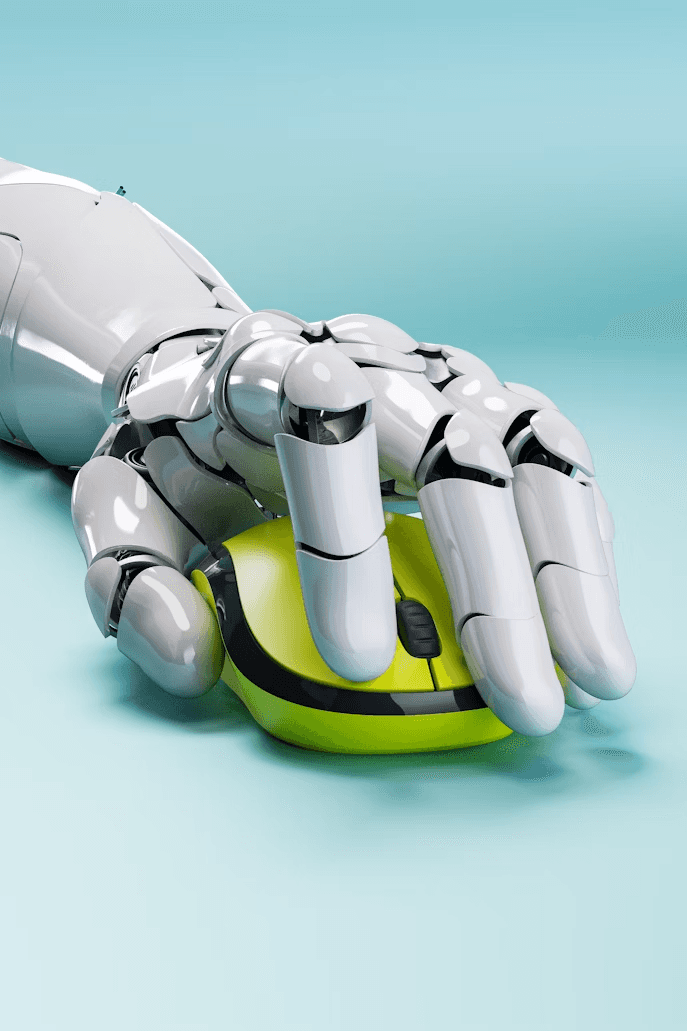
The AI Virtual Mouse uses Computer Vision and Machine Learning to detect your hand movements in real time. It translates gestures into mouse actions like moving the cursor, clicking, and taking screenshots. Perfect for presentations, accessibility, or experimenting with tech!
Key Features
Real-Time Tracking: Detects your hand instantly with MediaPipe.
Smooth Cursor Control: Move the mouse by pointing your index finger.
Gesture Magic:
Left Click
Right Click
Double Click
Screenshot Capture

How Does It Work? (Step-by-Step)
Capture Video: Your webcam grabs live frames.
Detect Hands: MediaPipe finds 21 key points on your hand.
Analyze Gestures: Code checks finger angles and distances.
Translate to Actions: Gestures become mouse commands.
Smooth & Execute: Kalman filter predicts movement for accuracy.
Gesture Guide:
Move Cursor: Extend index finger, keep thumb close.
Left Click: Close thumb and index, bend middle finger.
Right Click: Close thumb and middle, extend index.
Double Click: Close thumb, index, and middle.
Screenshot: Close all fingers except thumb and index.
Get Started (Easy Setup!)
Requirements
Python 3.7+
Webcam (built-in or external)
Good lighting for best results
Installation Steps
Download the Code
git clone https://github.com/yourusername/AI-virtual-mouse.git
cd AI-virtual-mouse
Install Libraries
pip install opencv-python mediapipe pyautogui pynput numpy
Run It!
python main.py
Use It: Wave your hand in front of the camera. Press q to quit.
More Projects



Software Engineer
AI Virtual Mouse Using Hand Gestures
Created a hand gesture-based virtual mouse using OpenCV and Mediapipe for real-time control and interaction.
Year :
2024
Project Type:
Hackathon Project
Industry :
Accessibility / Computer Vision
Project Duration :
1 month
AI Virtual Mouse
Repo: https://github.com/shivarajhiremath8/AI-virtual-mouse
Blog: https://shivarajhiremath.framer.website/blogs
Welcome to the AI Virtual Mouse project! This Python application lets you control your computer mouse using hand gestures captured by your webcam. No touching required – just wave your hand and control your cursor!
What is This?
The AI Virtual Mouse uses Computer Vision and Machine Learning to detect your hand movements in real time. It translates gestures into mouse actions like moving the cursor, clicking, and taking screenshots. Perfect for presentations, accessibility, or experimenting with tech!
Key Features
Real-Time Tracking: Detects your hand instantly with MediaPipe.
Smooth Cursor Control: Move the mouse by pointing your index finger.
Gesture Magic:
Left Click
Right Click
Double Click
Screenshot Capture
How Does It Work? (Step-by-Step)
Capture Video: Your webcam grabs live frames.
Detect Hands: MediaPipe finds 21 key points on your hand.
Analyze Gestures: Code checks finger angles and distances.
Translate to Actions: Gestures become mouse commands.
Smooth & Execute: Kalman filter predicts movement for accuracy.
Gesture Guide:
Move Cursor: Extend index finger, keep thumb close.
Left Click: Close thumb and index, bend middle finger.
Right Click: Close thumb and middle, extend index.
Double Click: Close thumb, index, and middle.
Screenshot: Close all fingers except thumb and index.
Get Started (Easy Setup!)
Requirements
Python 3.7+
Webcam (built-in or external)
Good lighting for best results
Installation Steps
Download the Code
git clone https://github.com/yourusername/AI-virtual-mouse.git
cd AI-virtual-mouse
Install Libraries
pip install opencv-python mediapipe pyautogui pynput numpy
Run It!
python main.py
Use It: Wave your hand in front of the camera. Press q to quit.
More Projects
Software Engineer
AI Virtual Mouse Using Hand Gestures
Created a hand gesture-based virtual mouse using OpenCV and Mediapipe for real-time control and interaction.
Year :
2024
Project Type:
Hackathon Project
Industry :
Accessibility / Computer Vision
Project Duration :
1 month
AI Virtual Mouse
Repo: https://github.com/shivarajhiremath8/AI-virtual-mouse
Blog: https://shivarajhiremath.framer.website/blogs
Welcome to the AI Virtual Mouse project! This Python application lets you control your computer mouse using hand gestures captured by your webcam. No touching required – just wave your hand and control your cursor!
What is This?
The AI Virtual Mouse uses Computer Vision and Machine Learning to detect your hand movements in real time. It translates gestures into mouse actions like moving the cursor, clicking, and taking screenshots. Perfect for presentations, accessibility, or experimenting with tech!
Key Features
Real-Time Tracking: Detects your hand instantly with MediaPipe.
Smooth Cursor Control: Move the mouse by pointing your index finger.
Gesture Magic:
Left Click
Right Click
Double Click
Screenshot Capture
How Does It Work? (Step-by-Step)
Capture Video: Your webcam grabs live frames.
Detect Hands: MediaPipe finds 21 key points on your hand.
Analyze Gestures: Code checks finger angles and distances.
Translate to Actions: Gestures become mouse commands.
Smooth & Execute: Kalman filter predicts movement for accuracy.
Gesture Guide:
Move Cursor: Extend index finger, keep thumb close.
Left Click: Close thumb and index, bend middle finger.
Right Click: Close thumb and middle, extend index.
Double Click: Close thumb, index, and middle.
Screenshot: Close all fingers except thumb and index.
Get Started (Easy Setup!)
Requirements
Python 3.7+
Webcam (built-in or external)
Good lighting for best results
Installation Steps
Download the Code
git clone https://github.com/yourusername/AI-virtual-mouse.git
cd AI-virtual-mouse
Install Libraries
pip install opencv-python mediapipe pyautogui pynput numpy
Run It!
python main.py
Use It: Wave your hand in front of the camera. Press q to quit.